Bottom line: Creating high-converting Canva mockups allows e-commerce sellers to showcase custom apparel, mugs, and wall art without expensive photo shoots. Success depends on using high-resolution transparent PNG artwork, realistic shadow blending, and verifying commercial licensing rights on all template assets.
What you need to know before designing:
- Use 300 DPI transparent PNGs: Export artwork with clean transparent backgrounds to avoid white square borders around designs.
- Leverage Smartmockup features: Native mockup tools automatically map artwork to curved garment folds and lighting angles.
- Audit commercial license terms: Ensure template elements and photography allow commercial e-commerce advertising use.
- Maintain visual consistency: Use cohesive background color palettes across your entire online catalog display.
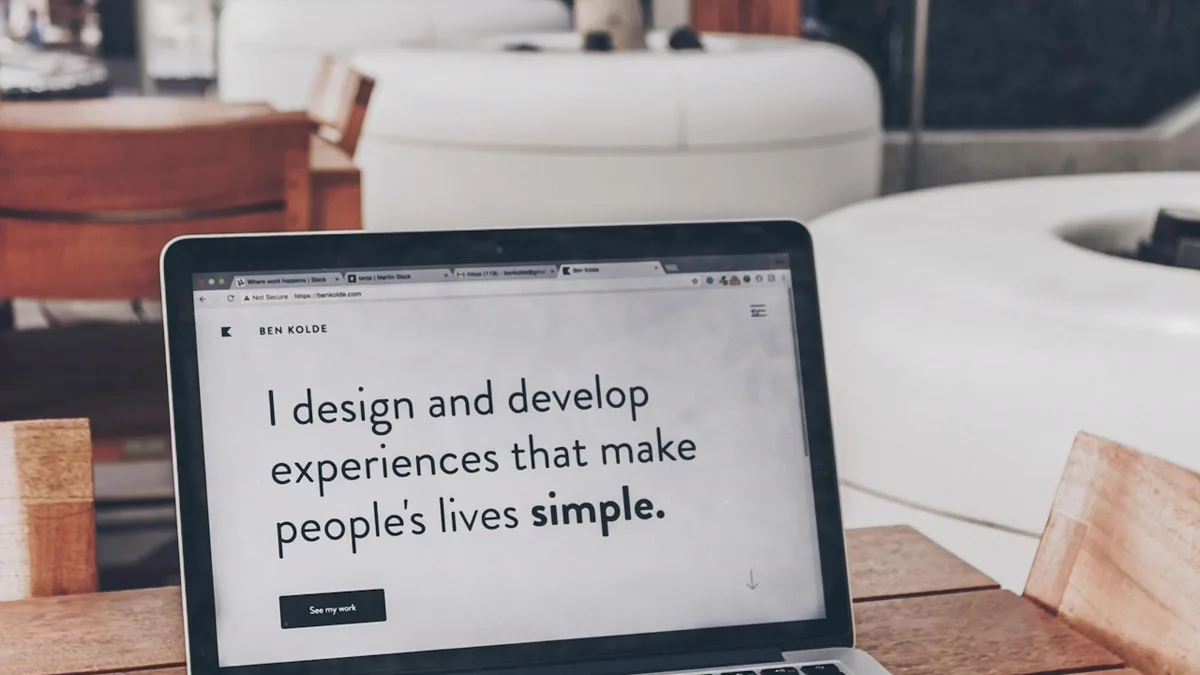
Why do professional product mockups increase listing click-through rates?
Professional product mockups increase listing click-through rates because online shoppers evaluate visual quality in fractions of a second. High quality mockups show customers exactly how a design looks when printed on real apparel, coffee mugs, or canvas wall prints.
Flat digital artwork files look plain on marketplace search grids. When shoppers see a crisp graphic placed onto a stylishly dressed model or arranged in a cozy living room, they instantly imagine owning and wearing that product. This emotional connection transforms casual browsers into paying customers.
Using digital mockup software also eliminates the heavy financial cost of photographing every new graphic variation physically. As outlined in our guide on how to start a print on demand business, rapid digital staging allows creative entrepreneurs to test fresh niche concepts quickly without ordering costly pre-production samples.
High quality mockups complement authentic physical product shots. While physical camera staging is essential for handmade items as shown in how to take product pictures, digital mockups give print-on-demand sellers scalable speed and uniform catalog aesthetics.
How to make Canva mockups in seven actionable steps
To produce professional Canva mockups systematically, follow a structured seven-step checklist from preparing source files to final listing export.
Executing your mockup production with an organized checklist ensures that every listing image in your shop maintains crisp resolution and accurate graphic scaling. The table below outlines the seven sequential stages, primary actions, and key verification checkpoints.
| Step Number | Workflow Phase | Action Items | Quality Checkpoint |
|---|---|---|---|
| 1 | Asset Preparation | Export graphic file at 300 DPI with transparent alpha channel | Zero stray pixels or white background boxes |
| 2 | Template Selection | Choose realistic lifestyle or clean flat-lay mockup frame | Lighting matches your brand aesthetic |
| 3 | Artwork Placement | Import PNG and align to garment chest or mug center | Natural proportions and correct scale |
| 4 | Perspective Warping | Use Smartmockup tools to wrap artwork around fabric folds | No flat distortion on curved surfaces |
| 5 | Blending Adjustment | Lower layer opacity slightly or apply subtle multiply filter | Underlying garment texture shows through print |
| 6 | Context Staging | Add neutral background props and subtle studio shadows | Props do not distract from main merchandise |
| 7 | Export & Compression | Download high-res WebP or JPG file formatted for marketplace | File size under 2MB with crisp text |
Pay close attention to step five during production. When digital graphics are placed on fabric mockups at 100% solid opacity, they often look artificially pasted on top of the image. Reducing graphic layer opacity to 92% or applying a gentle blending filter allows natural cotton fibers and fabric ripples to show through, creating an authentic printed appearance.
For sellers running multi-product shops as explored in etsy print on demand, creating standardized mockup templates for each product category saves dozens of hours every month.
What are the best methods to create realistic product mockups?
The three most common methods for creating product mockups are built-in web generator apps, custom layered template frames, and specialized standalone 3D rendering platforms.
Each approach offers distinct advantages depending on your technical expertise, production volume, and software budget. Evaluating these options helps you select the right workflow for your business stage.

Compare these three primary mockup creation pathways:
- Native web generator tools: Integrated app plugins allow one-click design mapping directly within browser design dashboards, perfect for rapid daily listing uploads.
- Custom transparent frame templates: Pre-built photo templates with transparent cutout windows give you total control over background colors and prop arrangements.
- Dedicated 3D rendering suites: Advanced standalone platforms provide custom lighting manipulation and 360-degree rotation angles for complex physical merchandise.
For most creative side businesses, web-based drag-and-drop generators provide the optimal balance of visual realism and production efficiency. You can generate a full set of five listing photos in under three minutes without complex graphic design training.
How do you verify commercial licensing for mockup assets?
You verify commercial licensing by reviewing the terms of service on template libraries, confirming commercial use permissions, and ensuring template assets do not contain trademarked logos or unreleased model faces.
Using free mockups downloaded from random online forums carries significant legal risk. Many free templates are strictly licensed for personal portfolio use only. Selling merchandise online using unlicensed stock photography can result in copyright infringement claims or sudden store takedowns.
Follow these essential licensing rules before publishing:
- Confirm commercial use rights: Verify that the mockup provider explicitly grants permission for commercial advertising and e-commerce listings.
- Check model releases: Ensure lifestyle mockups featuring human models include signed commercial model releases.
- Avoid trademarked brand apparel: Do not use mockups displaying visible brand logos on garment tags or clothing labels.
- Never resell raw templates: Commercial licenses allow you to display products, not resell the standalone mockup template files.
Investing in reputable commercial mockup subscriptions or purchasing verified commercial licenses gives you legal peace of mind as your sales volume expands.
What techniques create authentic shadows and fabric textures?
Authentic blending requires matching lighting angles between your graphic and the background photo, introducing subtle surface texture overlays, and calibrating shadow depth.
Amateur mockups are easy to spot because the digital design appears unnaturally flat, bright, and detached from the physical environment. Professional designers use subtle adjustment techniques to integrate the artwork into the surrounding scene seamlessly.
Implement these realistic styling techniques:
- Match ambient lighting temperature: If your mockup photo features warm morning window light, warm up the color tone of your graphic layer slightly.
- Incorporate natural fabric folds: Align your artwork so that prominent fabric creases disrupt straight graphic lines naturally.
- Add subtle drop shadows: Place a soft, blurred shadow layer beneath flat lay items to create realistic depth against wood or marble tabletops.
- Adjust graphic brightness: Reduce pure white elements from 100% brightness to 95% brightness to match natural ambient indoor light.
These minor adjustments take less than twenty seconds per image, but they dramatically improve perceived product quality and buyer trust.
How do you format mockup files for online marketplace listings?
To format mockup files properly, export images in 4:3 or 1:1 aspect ratios, maintain a minimum resolution of 2000 pixels on the shortest side, and compress file sizes under 2MB for rapid mobile loading.
Online shoppers browse predominantly on mobile devices using cellular data connections. Oversized image files slow down page loading speeds, causing impatient buyers to abandon your listing before reading the description.
Apply these universal formatting specifications:
- Resolution standard: 2000 x 2000 pixels (square) or 2700 x 2025 pixels (4:3 horizontal) at 72 to 96 DPI for screen display.
- File format: Modern WebP or optimized JPG files with 80% quality compression for fast web delivery.
- Color profile: Standard sRGB color space to ensure colors render consistently across smartphones and computer monitors.
- Listing photo sequence: Place your clearest lifestyle mockup in slot one, followed by flat lays, close-up details, size charts, and color options.
Final verdict on Canva mockups
Mastering Canva mockups is an essential operational skill for modern e-commerce creators. By combining high-resolution transparent artwork, realistic texture blending, verified commercial licensing, and clean catalog formatting, you can create professional listing imagery that captures shopper attention, drives organic clicks, and accelerates store growth.
How we researched this guide: Platform rules were read off the help centers they live on; figures in examples are illustrative, not results. The text was machine-drafted before editing, and none of it is tax or legal advice.
Sources: Canva Mockup Features, Canva Commercial License Terms, Shopify Apparel Mockup Guide.
Seller questions
Can you make realistic product mockups for free in Canva?
Yes, you can upload transparent PNG designs and apply them to dozens of free mockup templates and smart framing tools directly in your browser.
Can you legally use Canva mockups to sell products online?
Yes, commercial e-commerce use is permitted for marketing your own products, provided you do not resell the standalone mockup template files.
How do you place a transparent PNG design onto a shirt mockup?
Export your artwork without a background, upload the PNG file, drag it onto the shirt template, and use Smartmockups to wrap the graphic naturally.
What is the difference between flat lay and lifestyle mockups?
Flat lay mockups show products laid flat on neutral surfaces, while lifestyle mockups show items worn by models or staged in real room environments.